Public alpha Apache 2.0

AgenticFlowX

Low-barrier spec-driven AI coding in VS Code. Chat first, Spec mode when the work needs traceability.

Install one extension for coding chat, Code / Explore / Spec modes, clickable workflow steps, and repo-owned markdown files. Backed by pi.dev today.

Open source VS Code extension Chat · Explore · Spec modes Plain markdown in your repo
A fast walkthrough from chat to spec, tasks, implementation, and project memory.

Chat, code, and spec-driven work — one flow inside VS Code.

Start in chat. Switch into structure when the work needs it. Keep decisions, tasks, notes, and journals in the same repo your team already reviews.

Chat

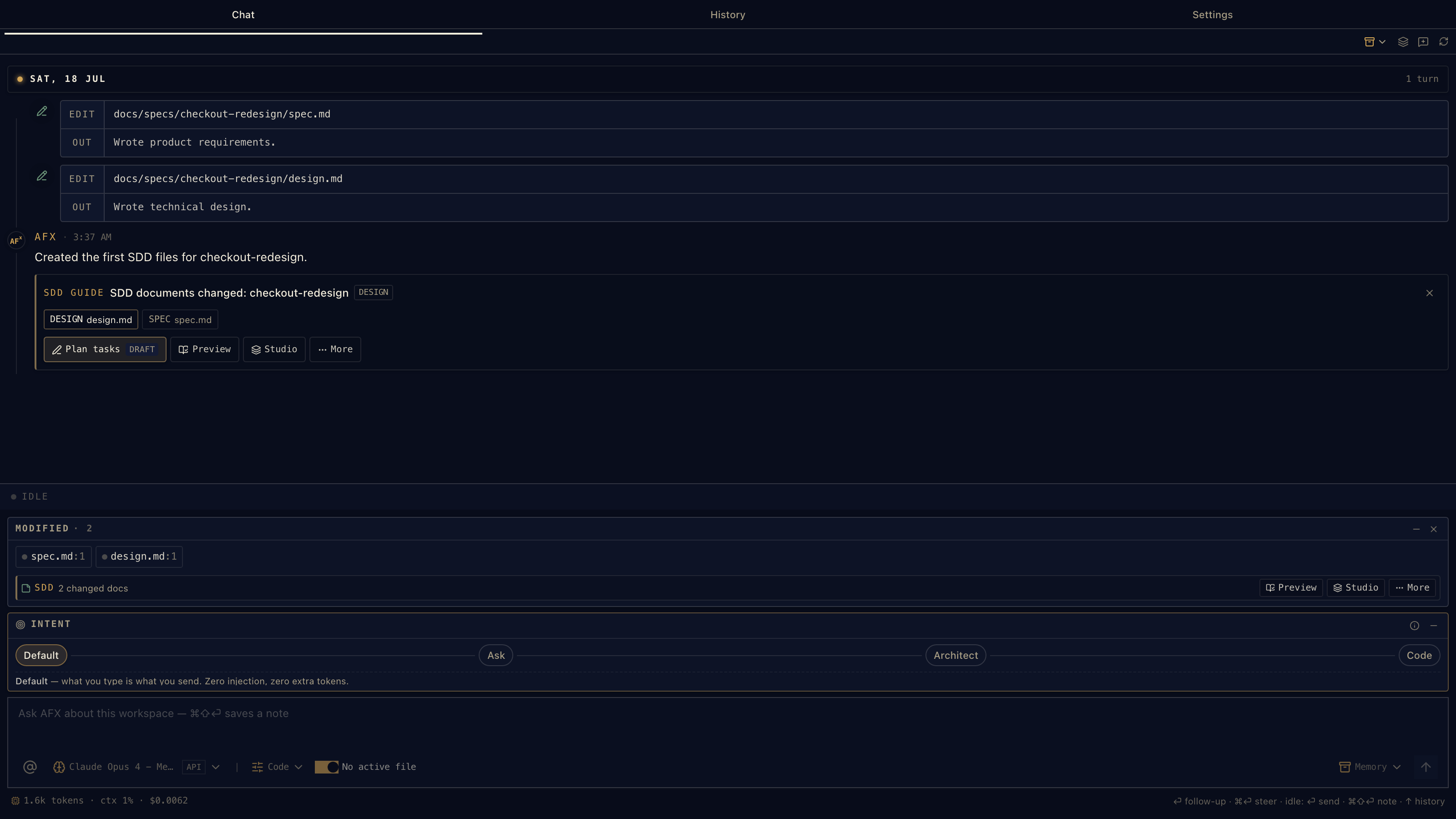
Code in conversation

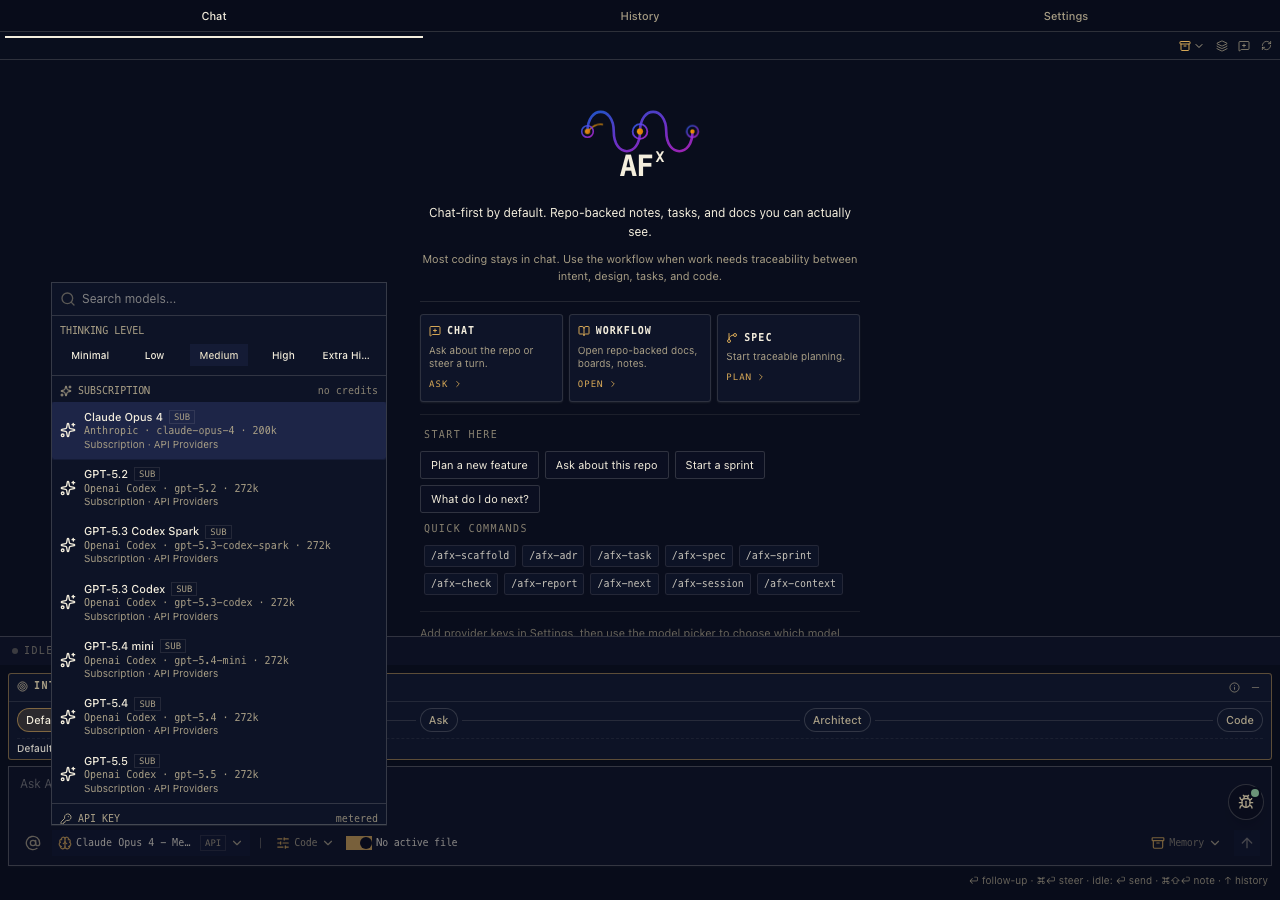
Day-to-day coding stays in chat: ask, mention files, switch models, and follow up while the work is still fresh.

  • File mentions and quick commands
  • Streaming, tool calls, and model switching
  • Steer or follow up while a turn is running

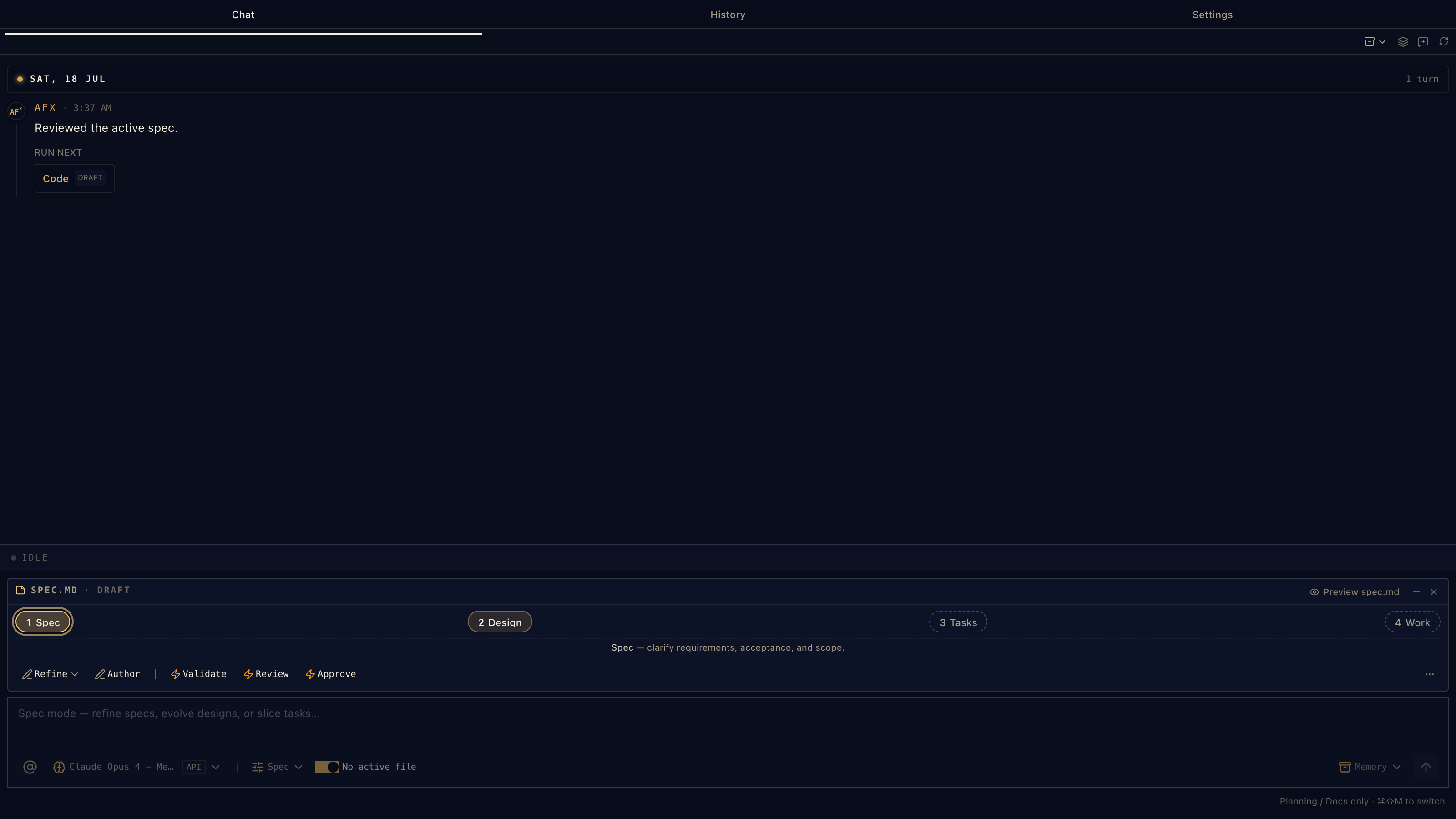
Spec mode

Make the next step obvious

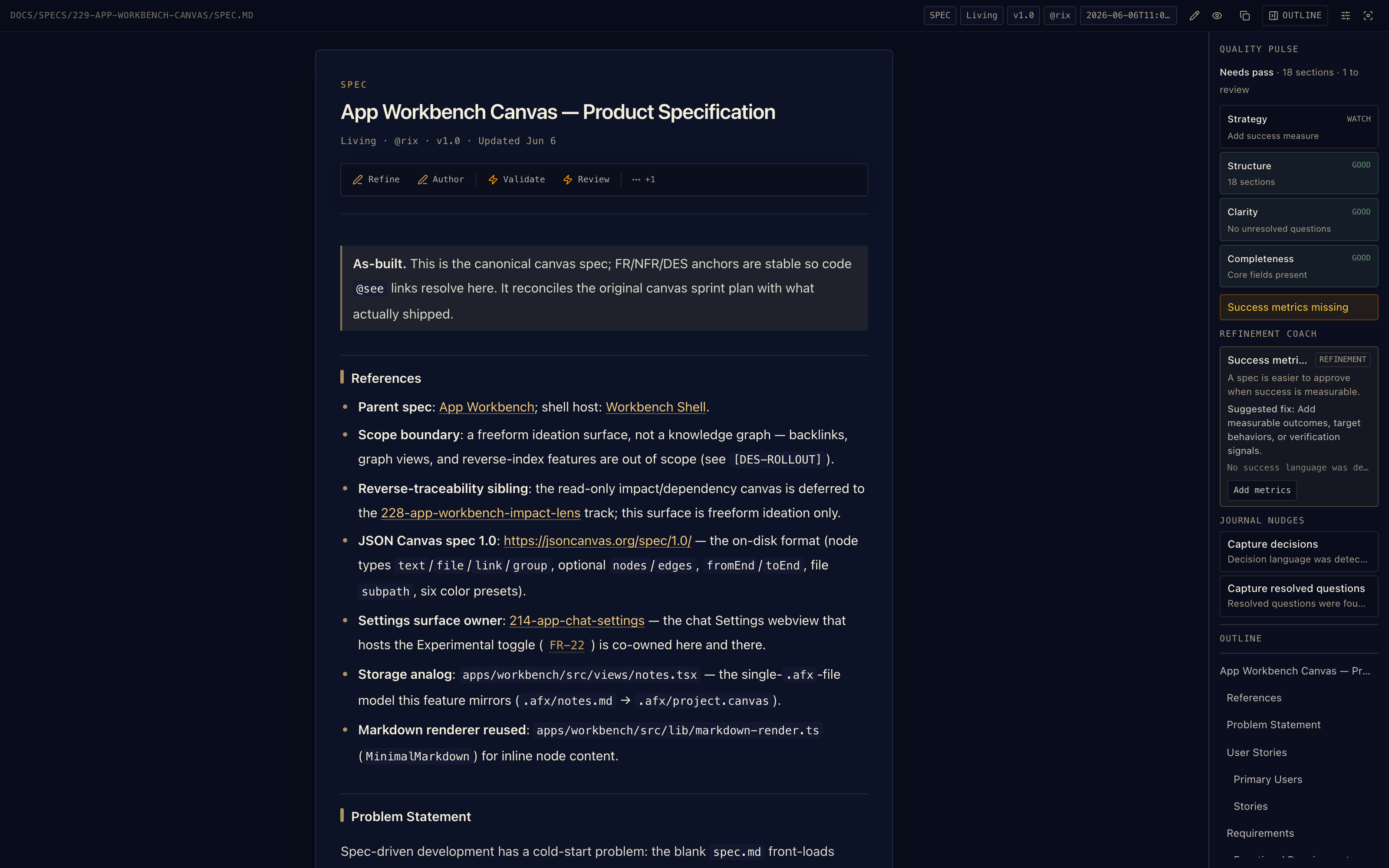
When the work needs a paper trail, switch modes and move through the workflow with clickable actions.

  • Refine requirements and shape the design
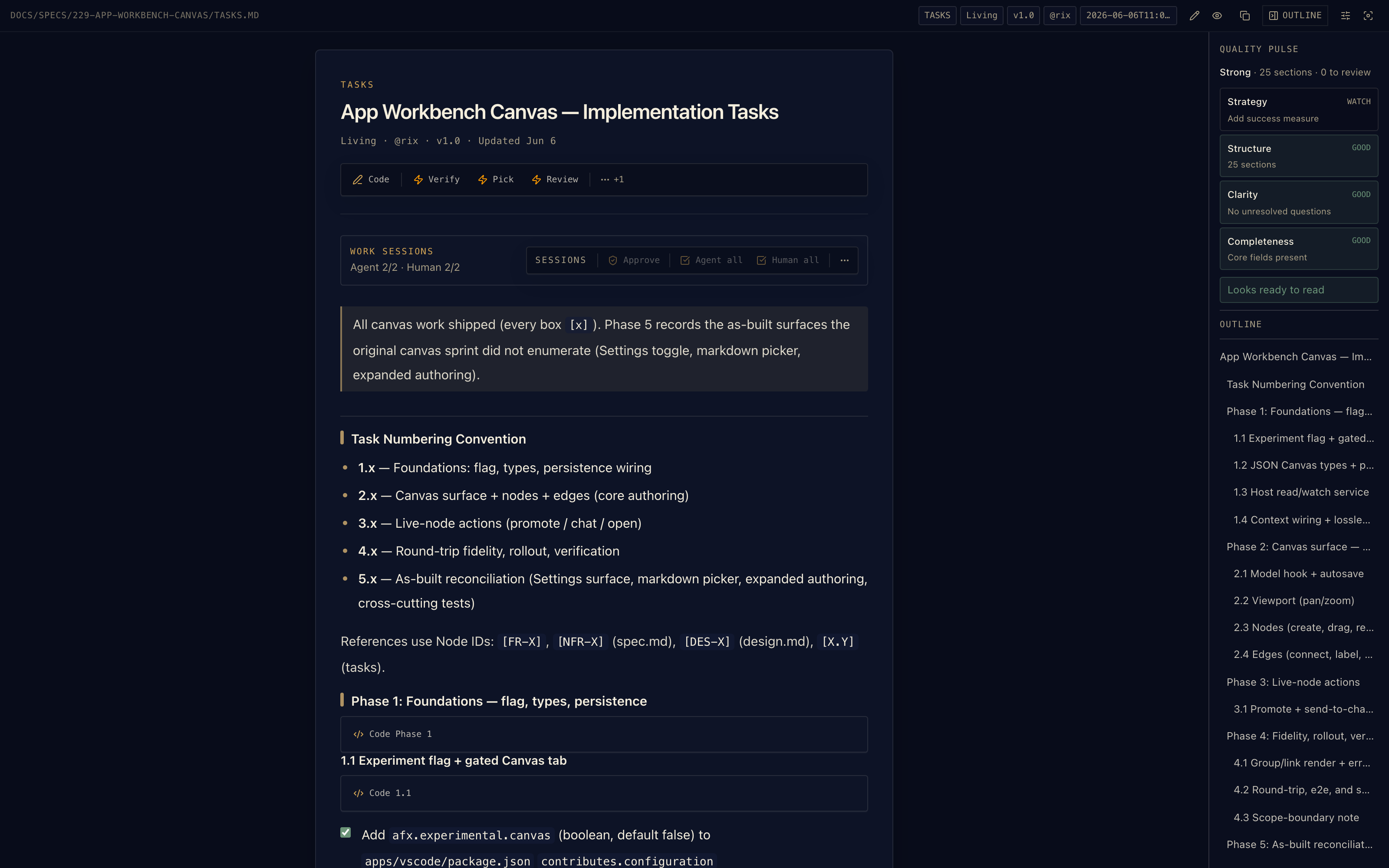
  • Break work into tasks before implementation
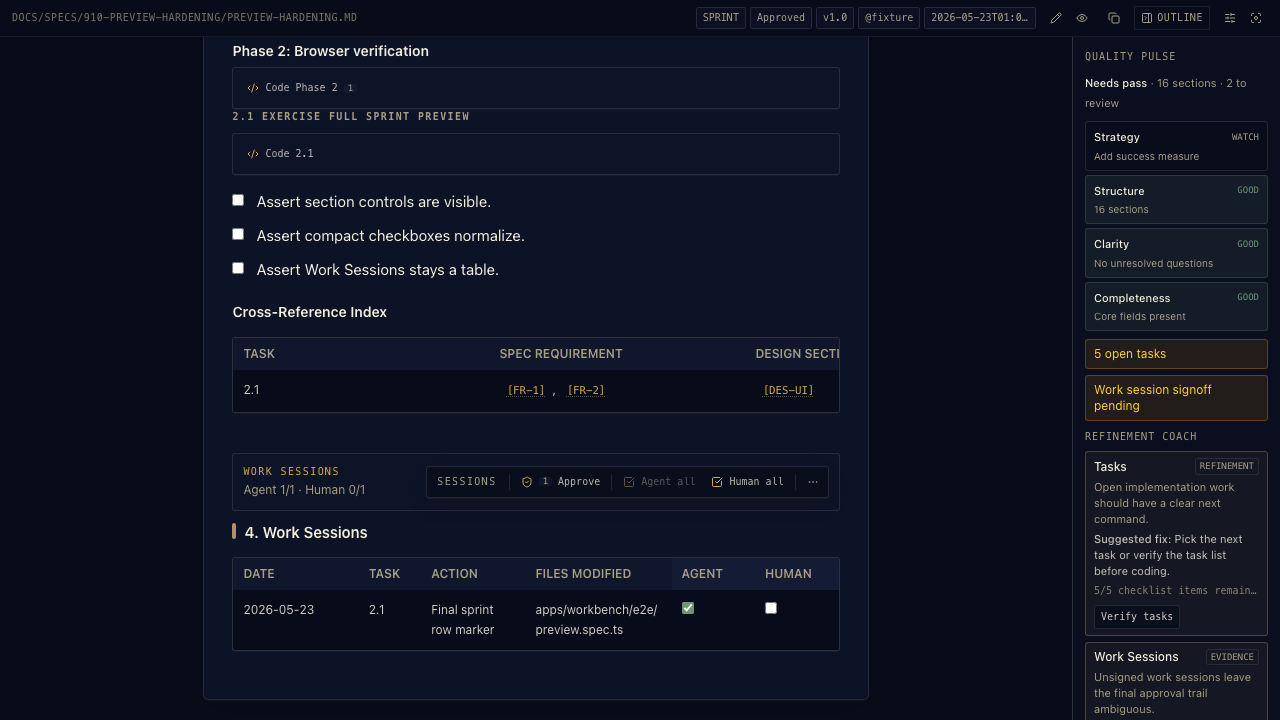
  • Validate, review, and approve each stage

Workbench

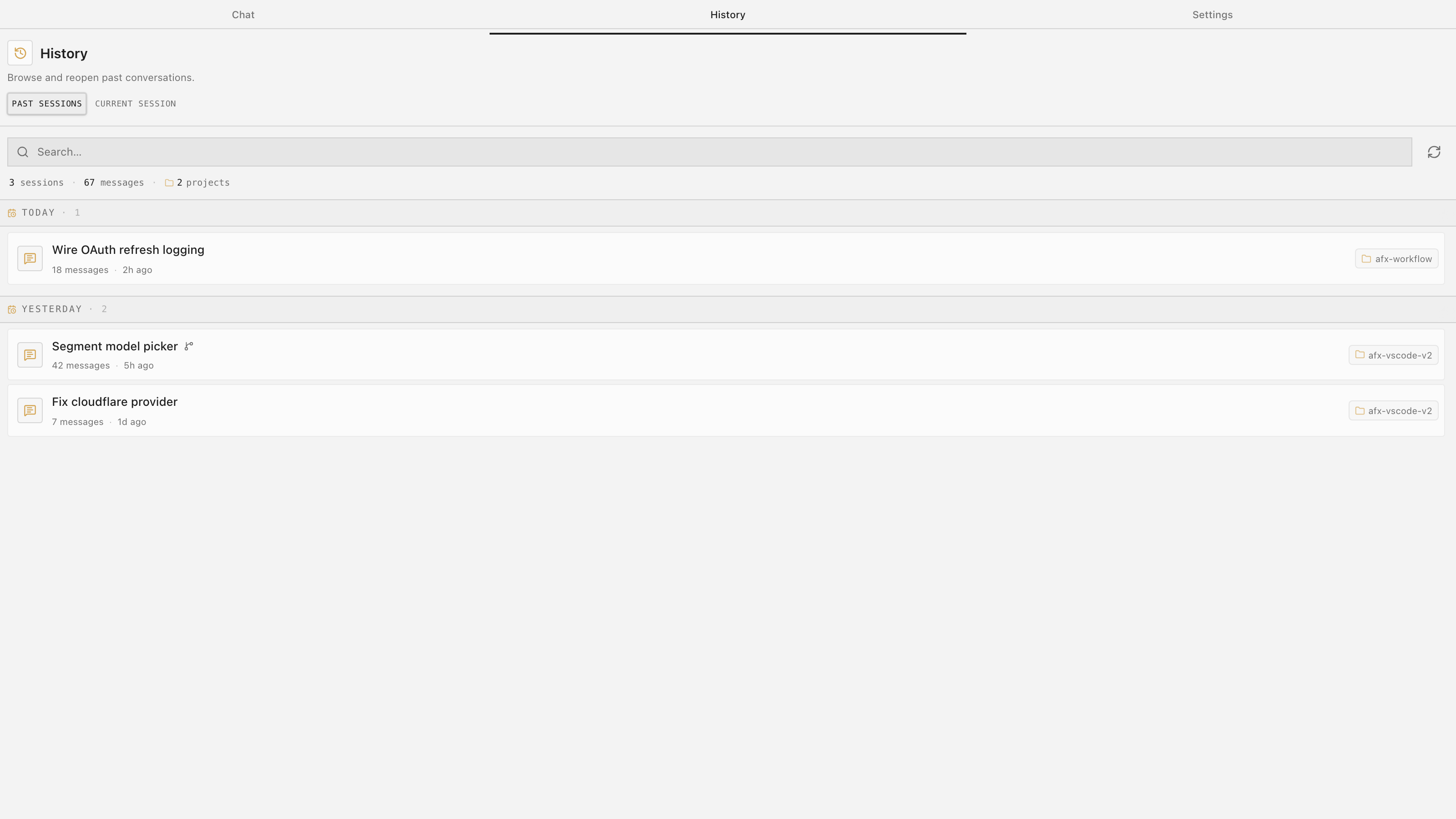
Project memory you can see

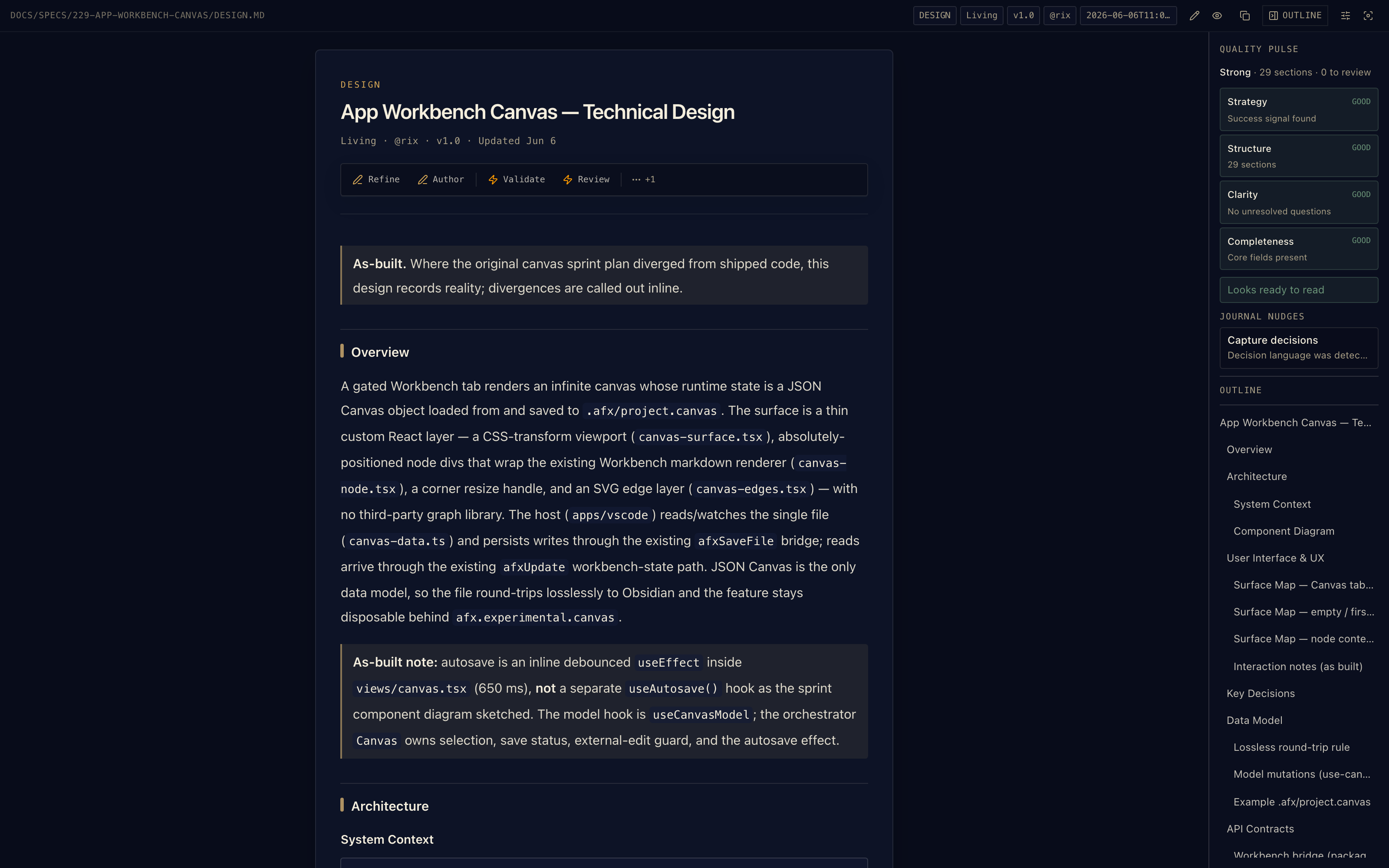
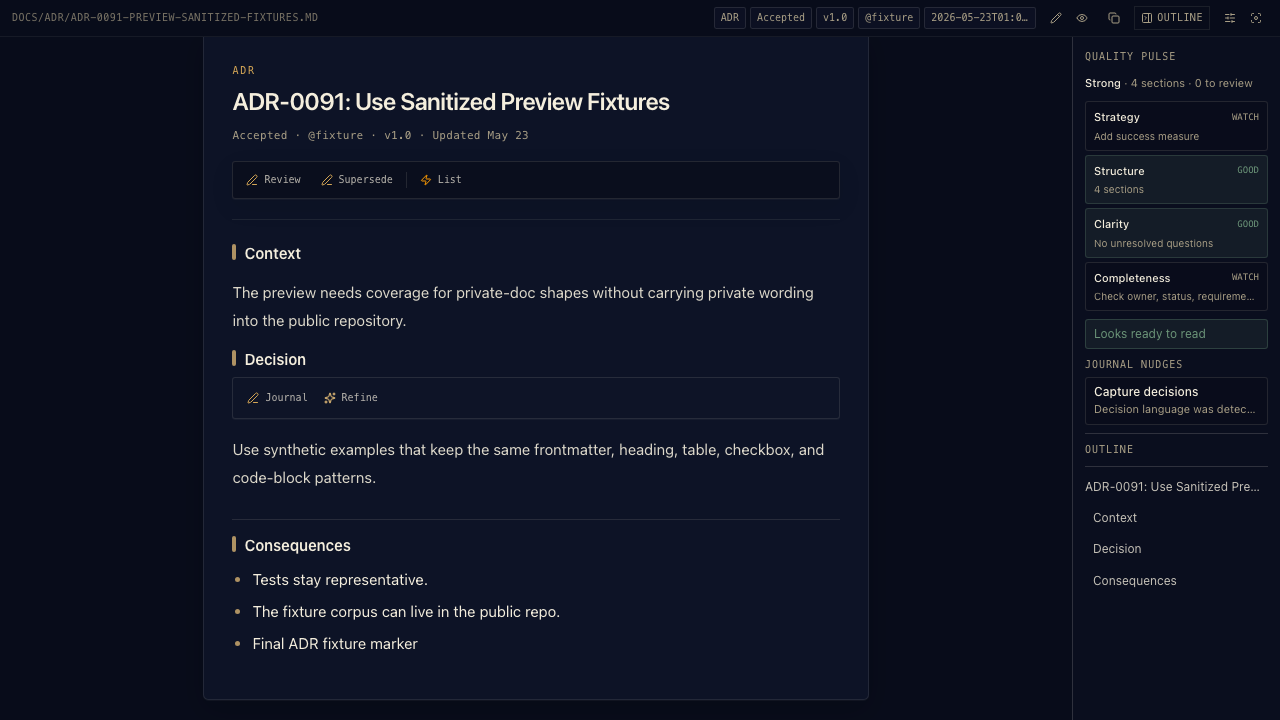
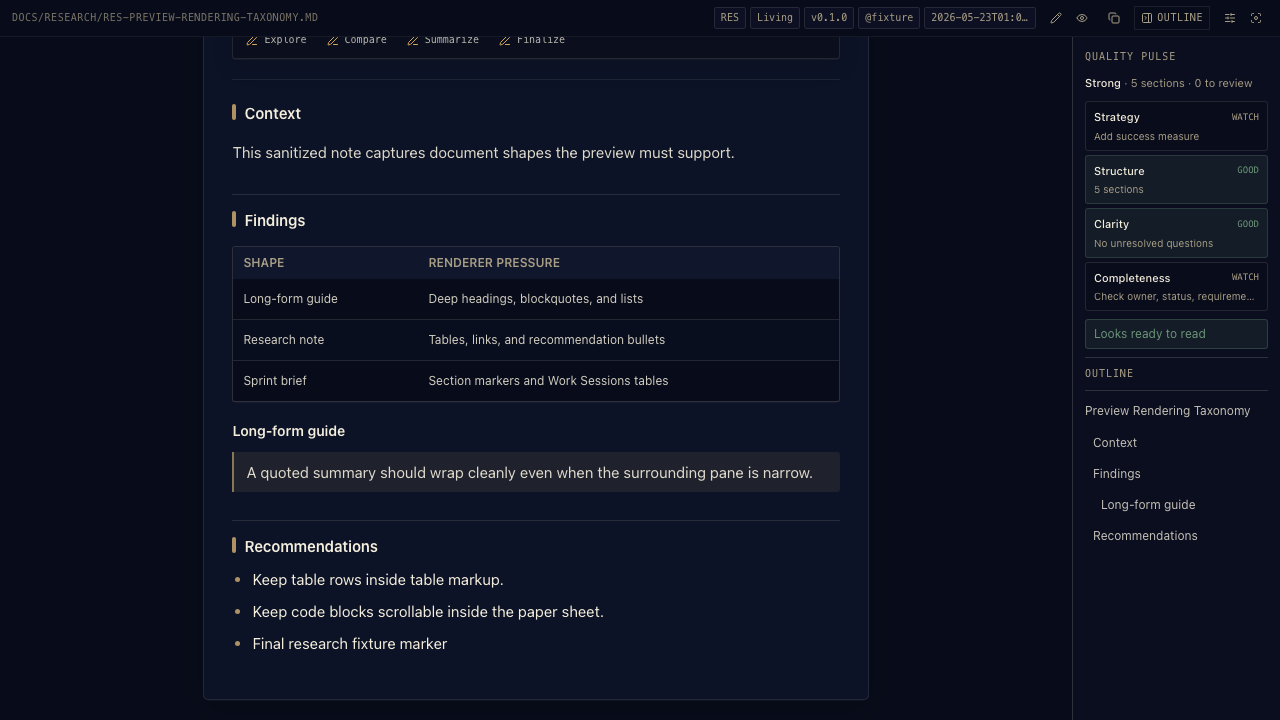
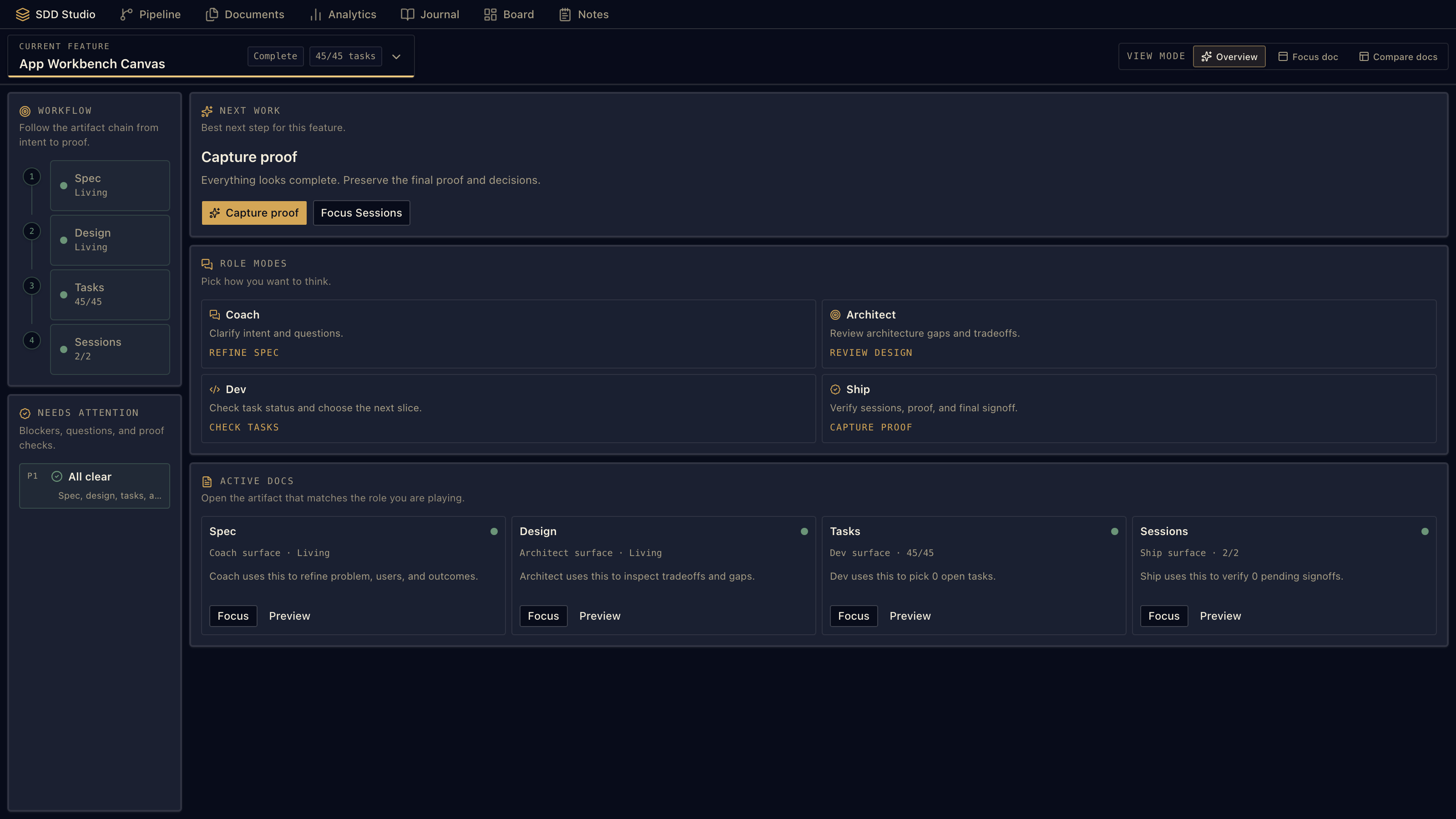
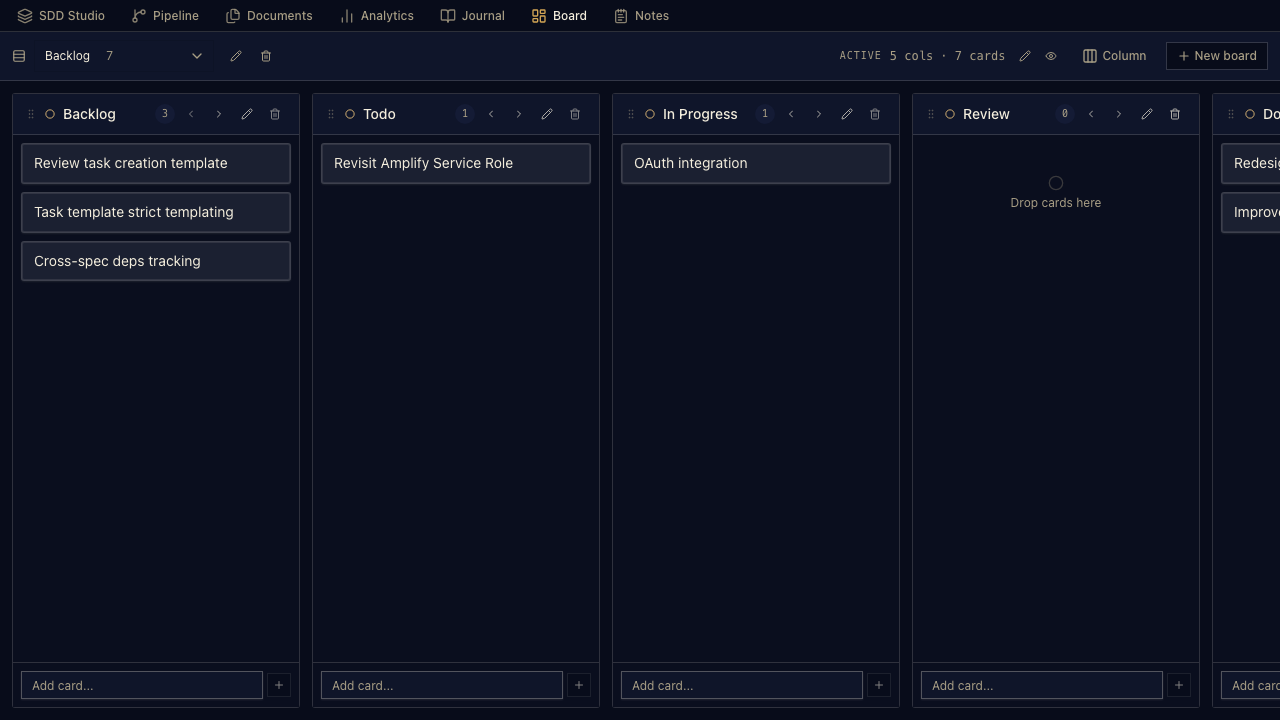
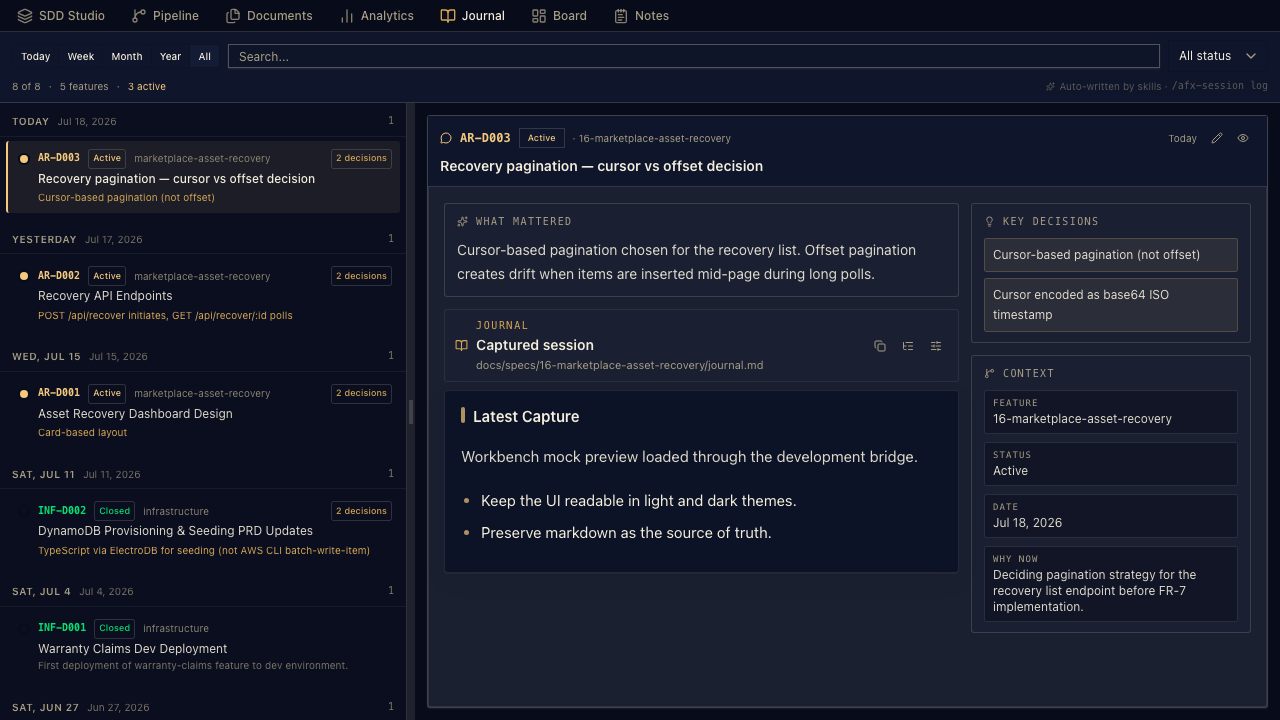
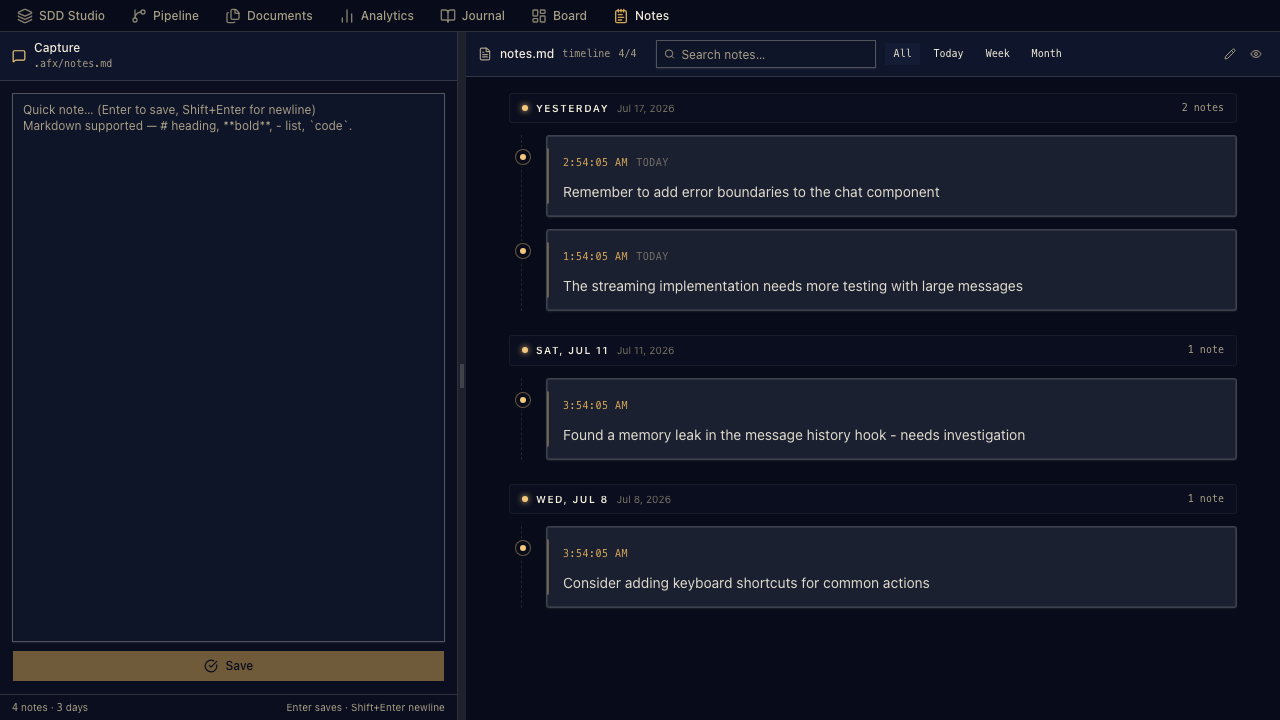
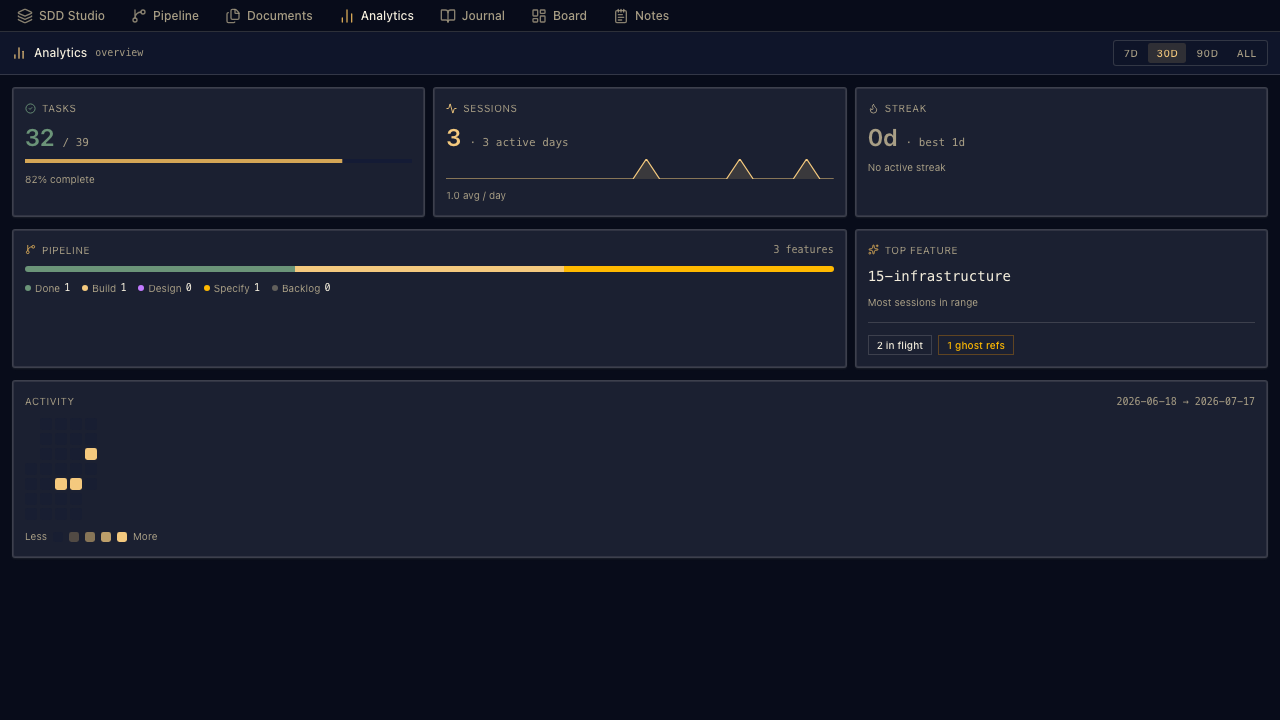
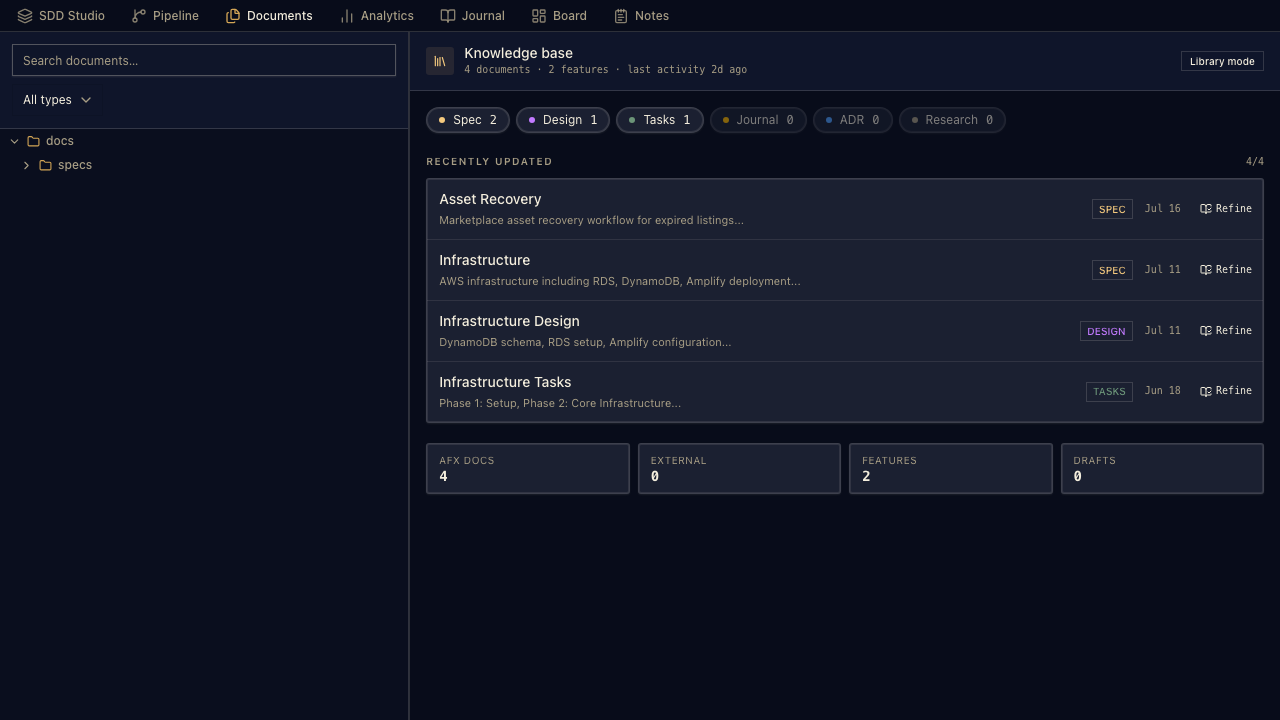
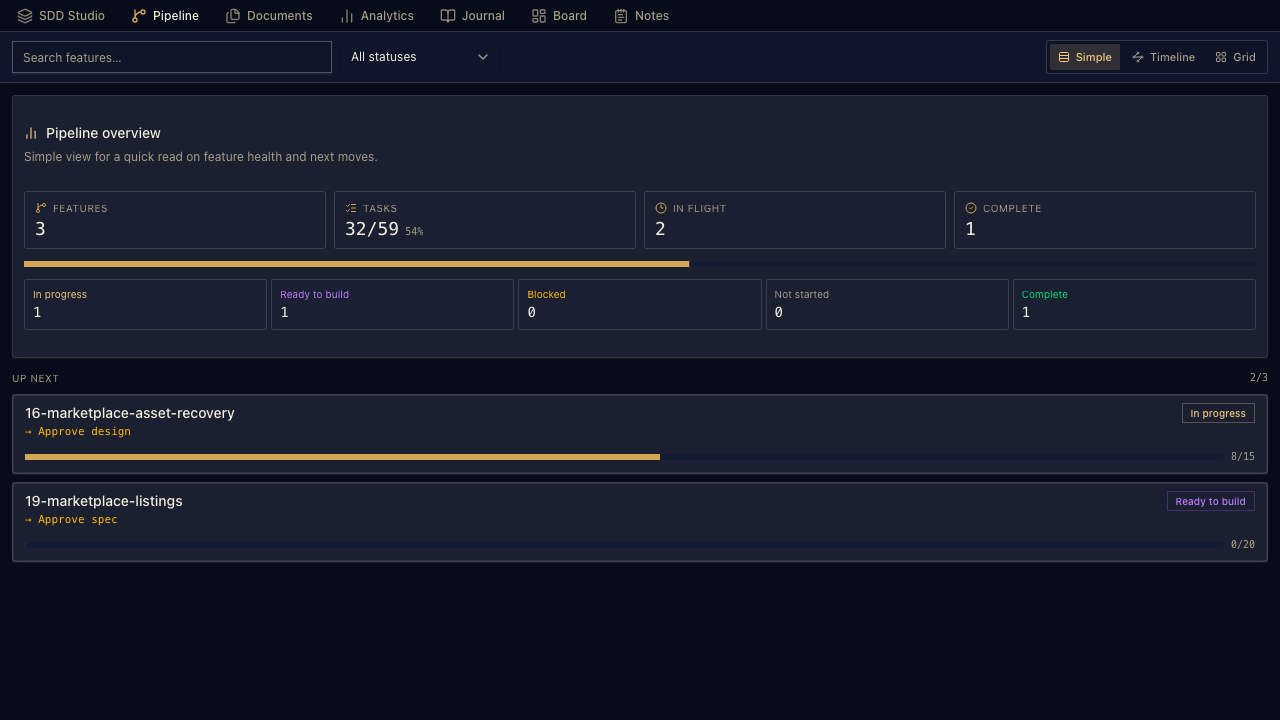
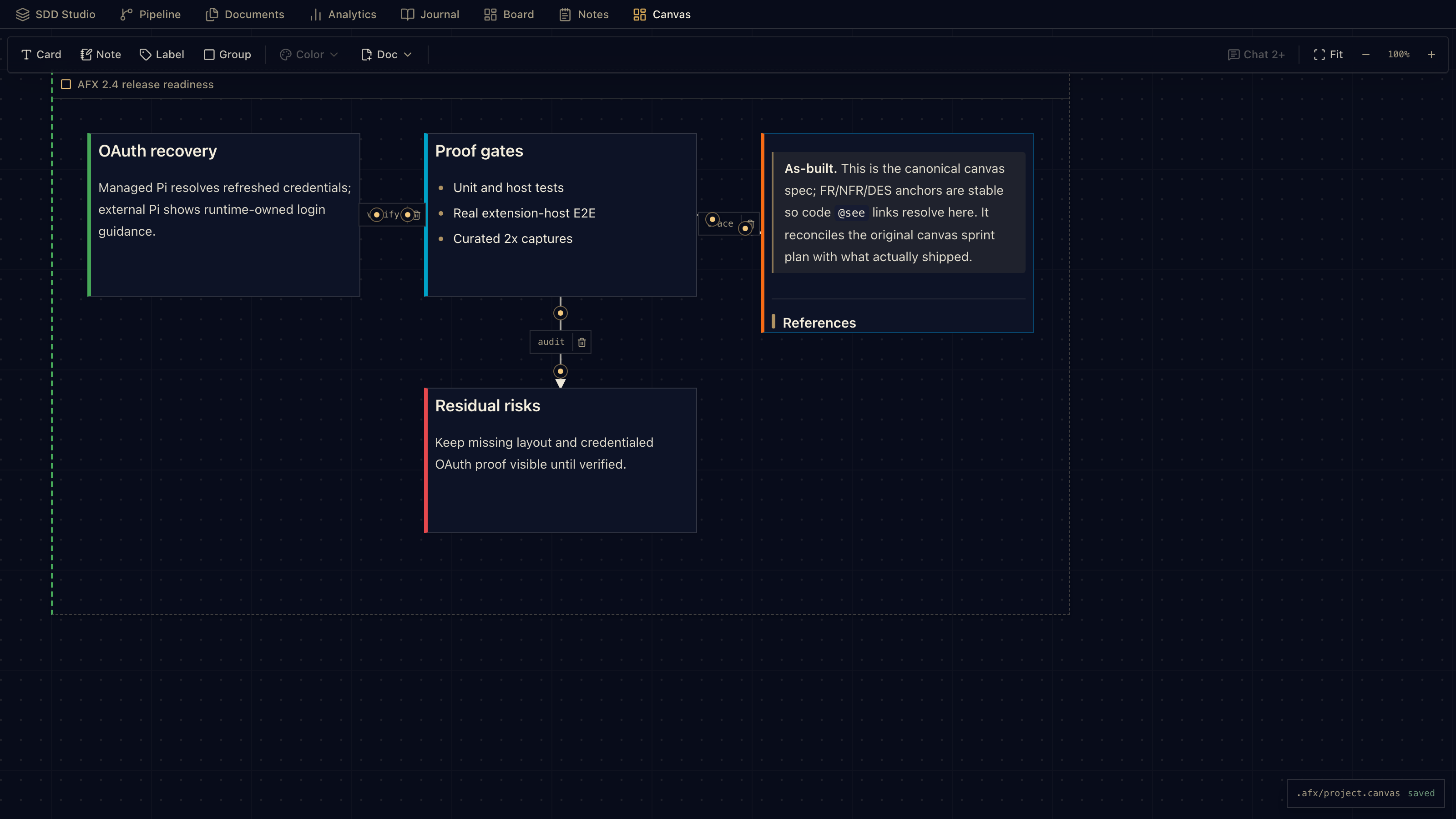
Notes, docs, kanban, journals, and pipeline views sit over plain markdown files in your workspace.

  • Tasks, notes, journals, and docs stay in the repo
  • Workbench views over those files, no separate database
  • Trace from intent → design → tasks → code, when the work calls for it

Code, Explore, or Spec — switch lanes at the chatbox.

Code is the default. Explore is read-only inspection. Spec is for Spec-Driven Development. One keystroke to switch — ⌘⇧M on macOS, Ctrl+Shift+M on Windows/Linux.

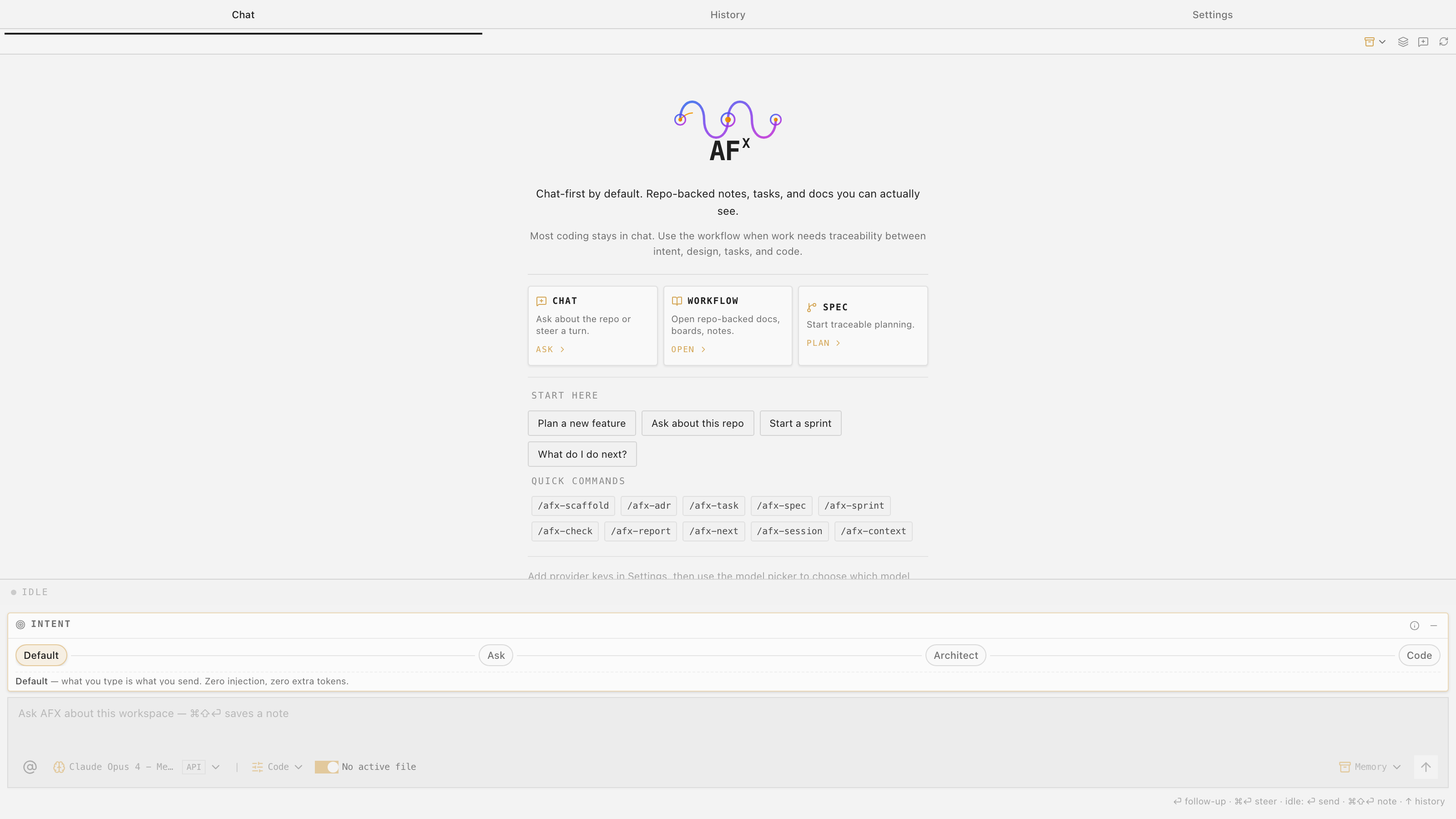
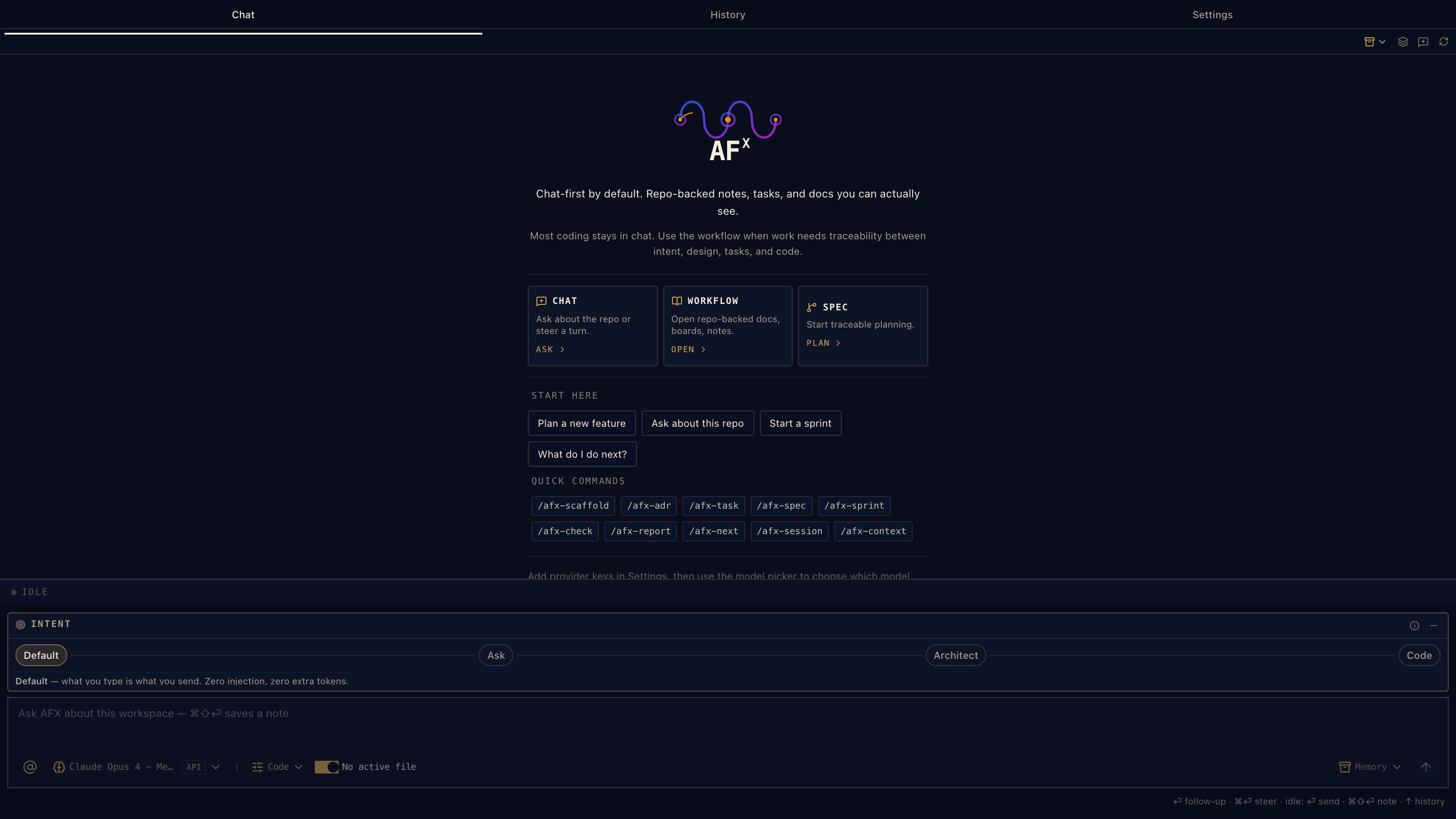
Code · default

Full access

Chat-first by default. Repo-backed notes, tasks, and docs you can actually see. Most coding stays here.

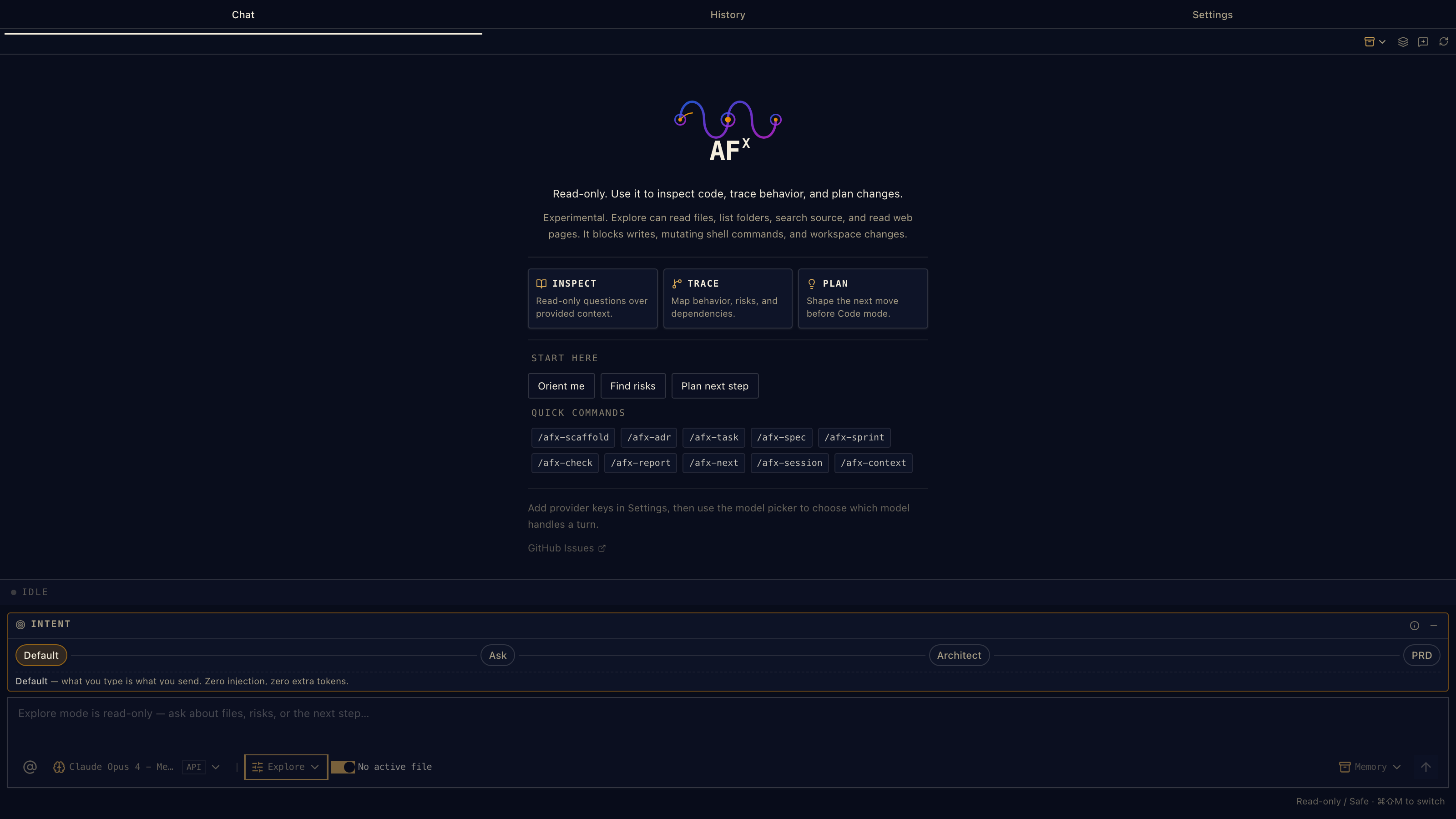
Explore · read-only

Inspect, don’t edit

Read-only. Use it to inspect code, trace behavior, and plan changes — runtime tools are blocked, so the agent can’t accidentally edit files or run commands.

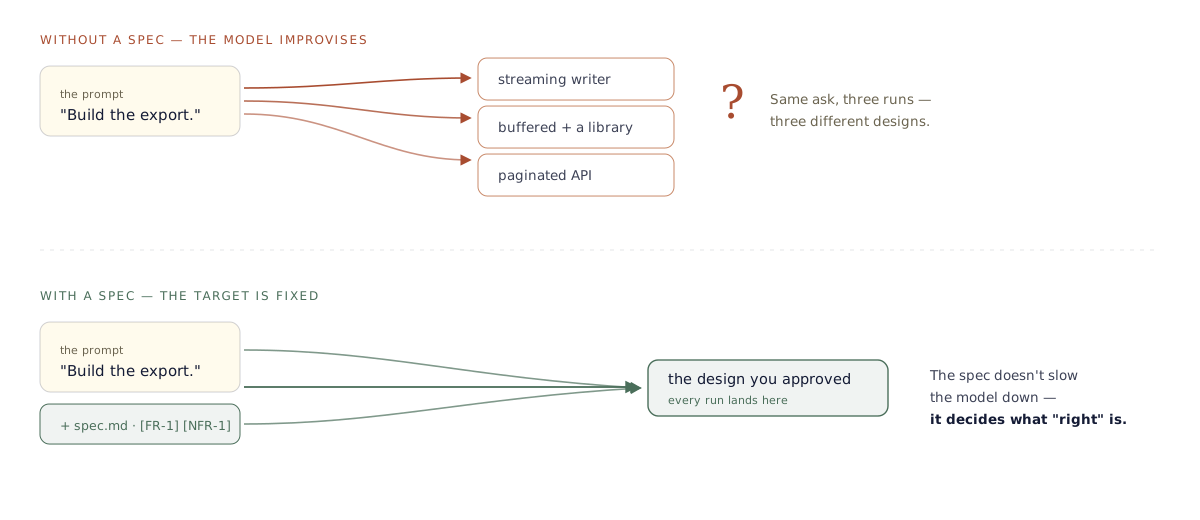
Spec · planning-only

Plan before you code

We’ll refine requirements, validate structure, and gate approval — without touching production code. Same discipline as SDD, lower friction to start.

01 — Setup

No extra SDD stack.

You do not need a separate spec app, task database, or methodology toolkit to start. The extension gives you chat, modes, workflow actions, and repo-backed markdown files from inside VS Code.

02 — Actions

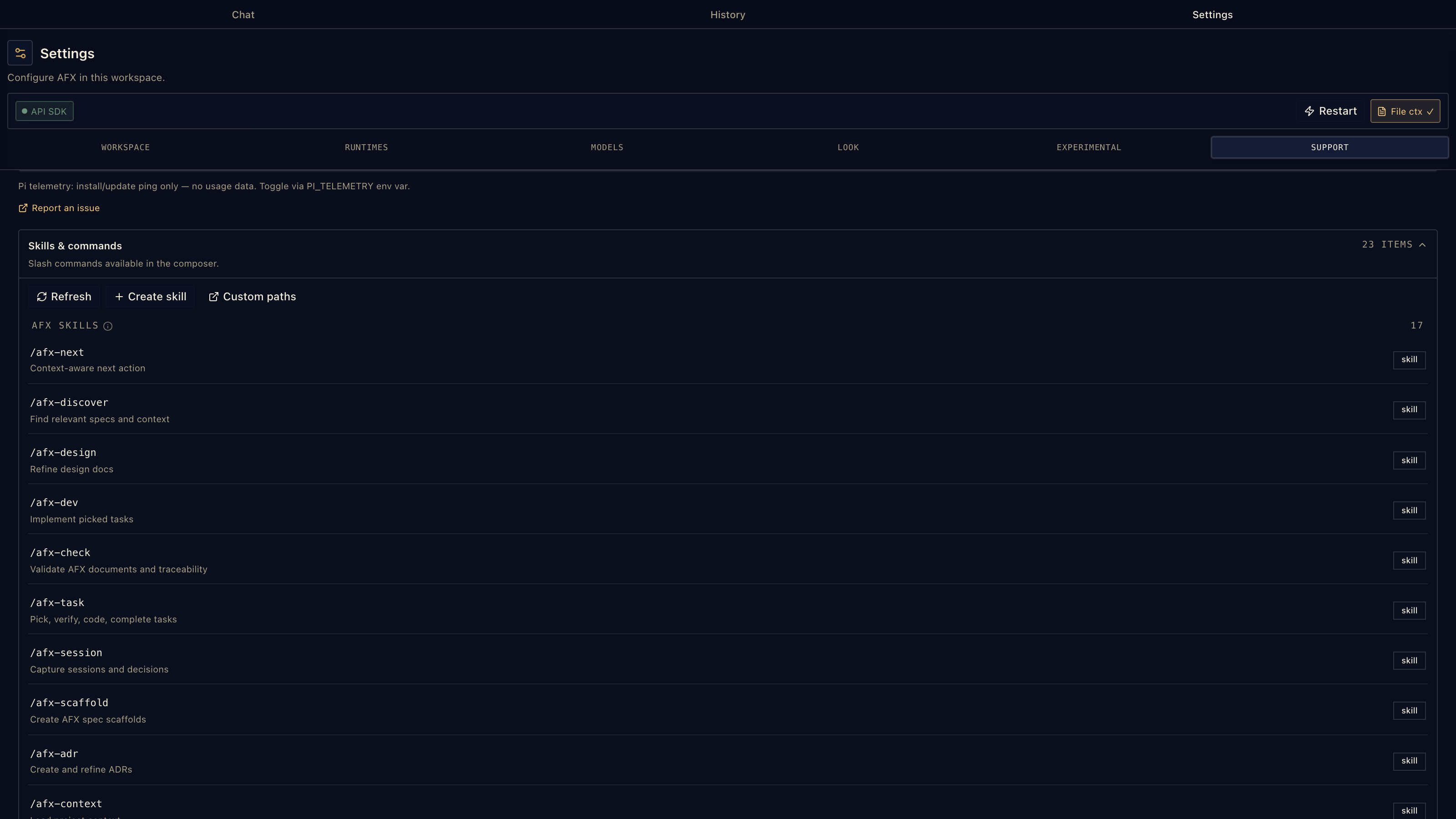
Clickable next steps.

Scaffold, refine, validate, review, approve, and continue from where you left off. The workflow is available from chat and from AFX markdown files.

03 — Memory

Project memory in markdown.

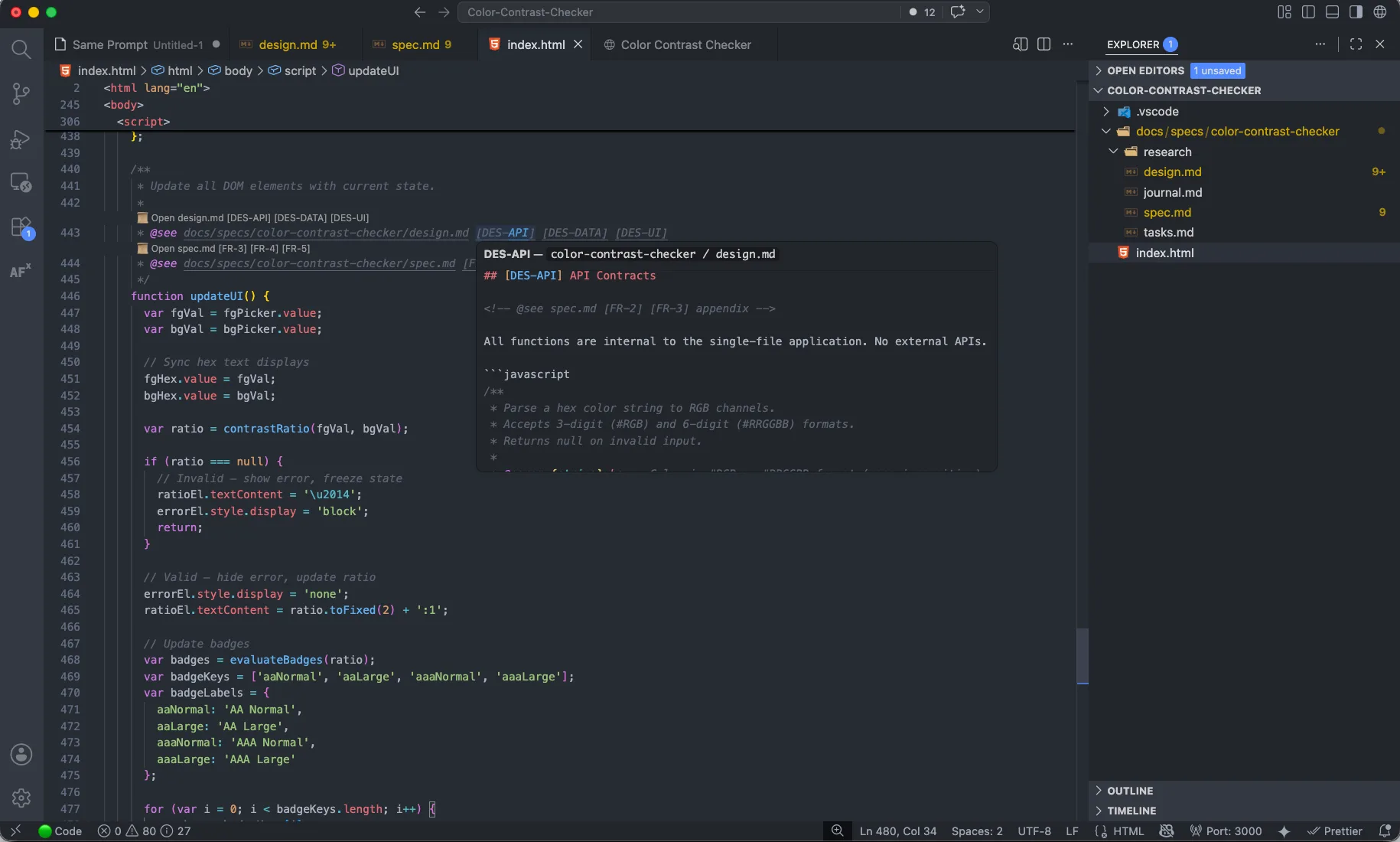
@see CodeLens links code back to spec. Hover any annotation to preview the linked requirement or design section inline. Context menus reach the workflow. The files stay plain markdown — the editor just knows about them.

Two routes. Same models.

Backed by pi.dev today. Whether or not you have Pi installed, AgenticFlowX uses Pi to reach the providers below.

Already use Pi

Your Pi, your config, your keys.

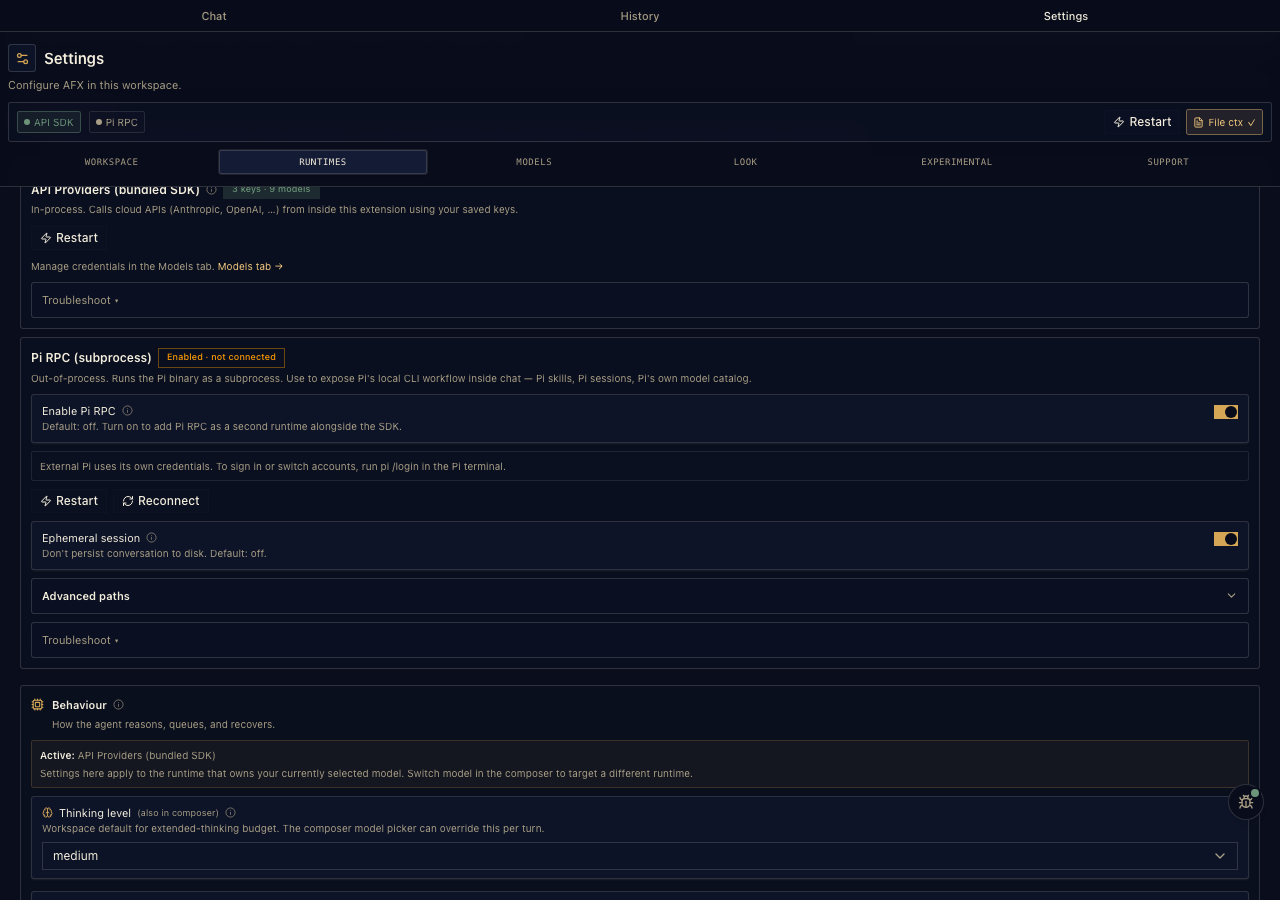
AgenticFlowX detects your installed Pi CLI and routes every call through Pi RPC. Whatever you’ve configured — providers, models, defaults — stays where it is. Nothing copied, nothing re-entered.

New to Pi

Pi bundled. Bring your keys.

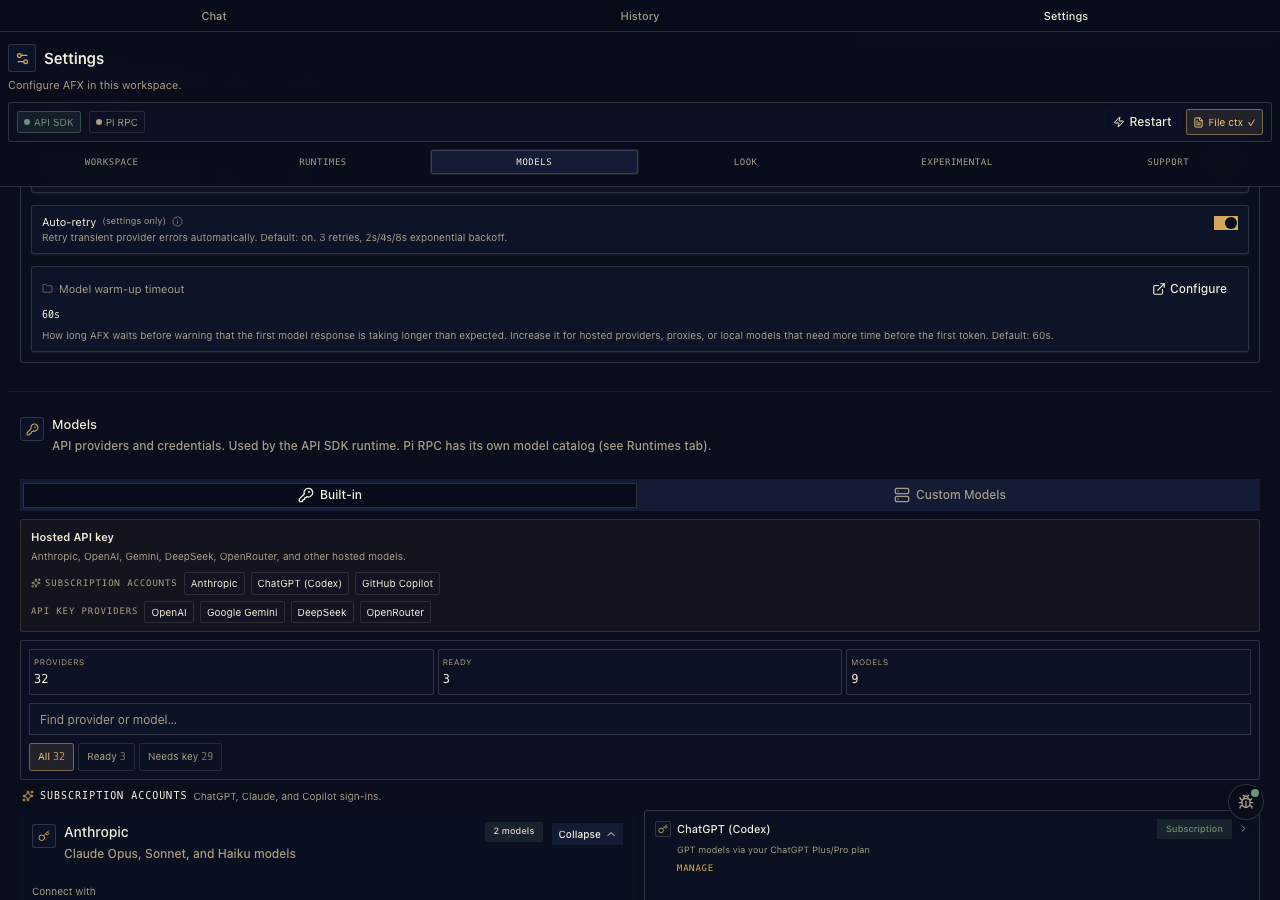
The Pi SDK ships inside the extension. Add provider keys in Settings — they’re stored in VS Code SecretStorage and passed through the bundled SDK. No separate Pi install required.

Providers Pi supports upstream

OpenAI Anthropic Google Gemini Google Vertex GitHub Copilot OpenRouter Amazon Bedrock Azure OpenAI Groq DeepSeek Mistral MiniMax Kimi Fireworks Cerebras Hugging Face Vercel AI Gateway xAI Z.ai Ollamalocal

Plus presets for OpenAI-compatible endpoints & local runtimes

Ollamalocal LM Studiolocal vLLMlocal OpenRouter Vercel AI Gateway Moonshot / Kimi Anthropic-compatible proxy Google AI Studio Custom (OpenAI-compatible)

Things worth knowing.

How do pi.dev and provider keys work together?

If you already use pi.dev, AgenticFlowX talks to your installed Pi CLI and uses your existing config. If you don’t, AgenticFlowX stores provider keys in VS Code SecretStorage and passes them through the Pi SDK.

Do I need to install another SDD tool?

No. The VS Code extension includes the chat surface, Spec mode, Workbench views, and AFX workflow actions. Specs, tasks, notes, and journals stay as plain markdown in your workspace.

Do I have to use the spec-driven workflow?

No. Most coding stays in chat. The spec-driven workflow is opt-in — reach for it when a piece of work needs traceability between intent, design, tasks, and code.

What’s the current status, and is it free?

Public alpha. Stable enough for daily use; provider settings, modes, and examples are still moving. AgenticFlowX is open source under Apache 2.0. No vendor billing — you bring your own provider keys.

No VS Code? Run the same workflow elsewhere.

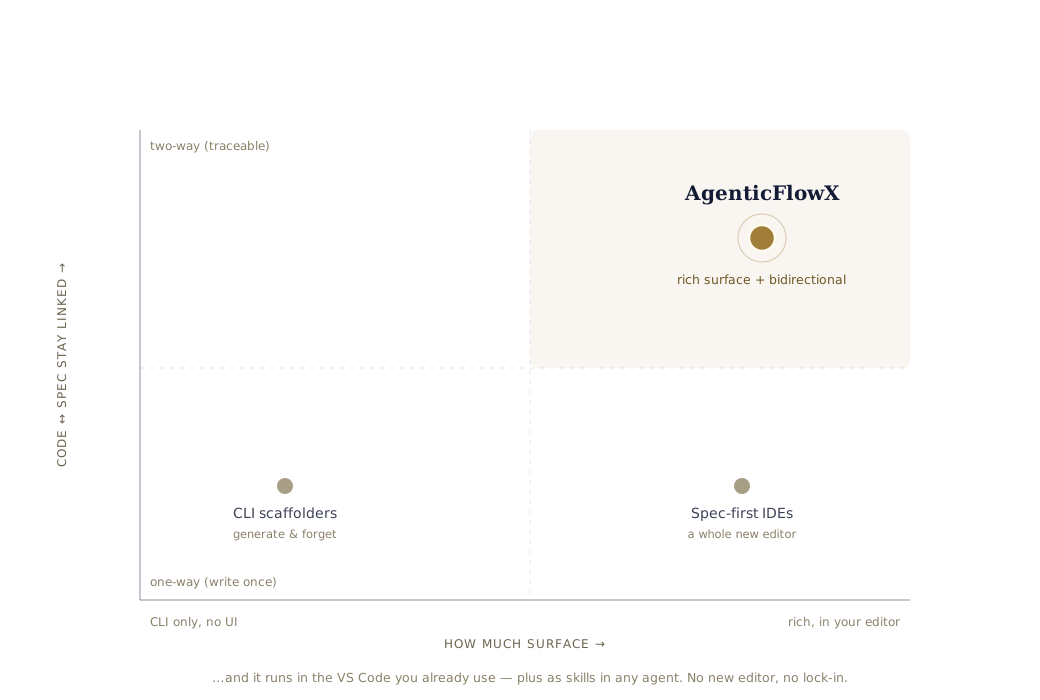
AgenticFlowX is a VS Code extension. The workflow behind it — specs, designs, tasks, journals, traceability — also runs headless via the AFX CLI. Same skills, same files, same rules.

One-line install (from your project directory)

curl -sL https://raw.githubusercontent.com/AgenticFlowX/afx/main/afx-cli | bash -s -- .

CLI source & docs

Tested with

  • Claude Code
  • GitHub Codex
  • Gemini CLI
  • GitHub Copilot

Start in chat.
Add structure when the work needs it.

Open source. Apache 2.0. Stable enough for daily use; modes and examples still moving.